ATS 2024 Underwriting
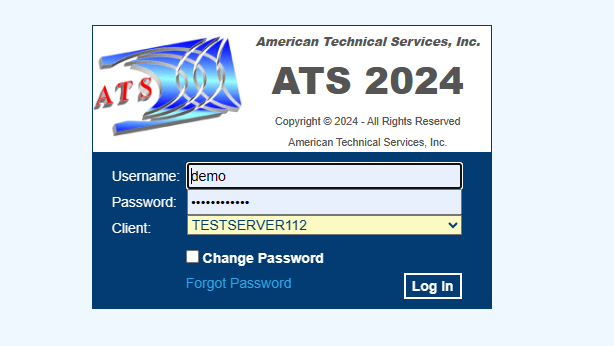
Log-In
You will be given an initial username and password to
use. You have the option to change your
password by clicking the box on the bottom on the log-in box. Additionally, you
may be presented with a 2-factor login.
Home screen
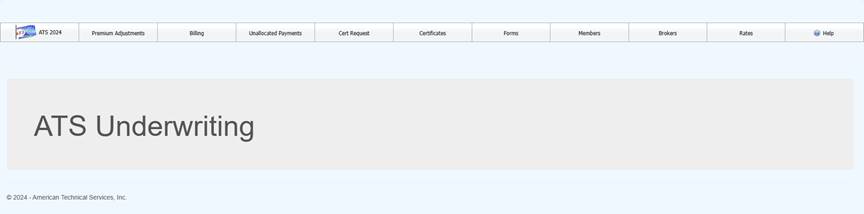
Option on the menu bar will be
limited to your security settings upon login. Data entry will vary based on
each client’s needs.
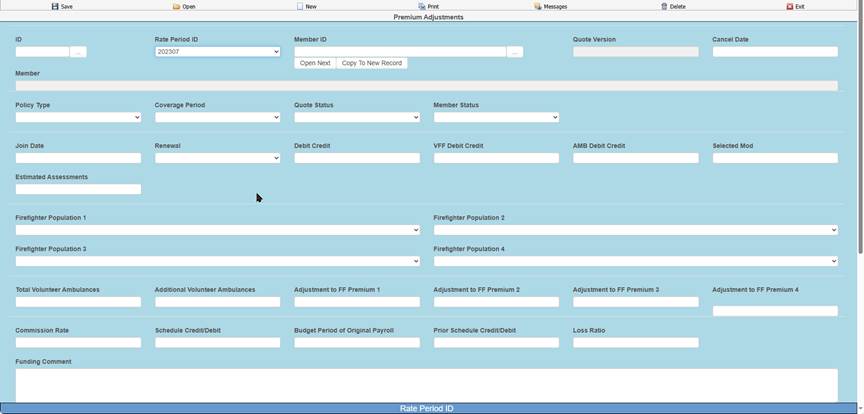
Premium adjustments handle renewals
and ne business.
Sample Page

Once selected your list of renewal types will be displayed.
Lists are exportable to PDF of excel,
sortable and searchable via the column headers as well as groupable.
General Information about the
Exposure Screens (Samples)
Each renewal page collects different information based on the
line of coverage, and each page is split into three sections:
·
The
top section displays agency and coordinator information and allows for the
selection a fiscal year.
·
The
middle section is used to add or edit information, and to run reports by fiscal
year.
·
The
bottom section is a list (or grid) or all information for your agency regarding
the line of coverage. You bring data
into the section for viewing or modifying by pressing the edit button
corresponding with the item in the grid.