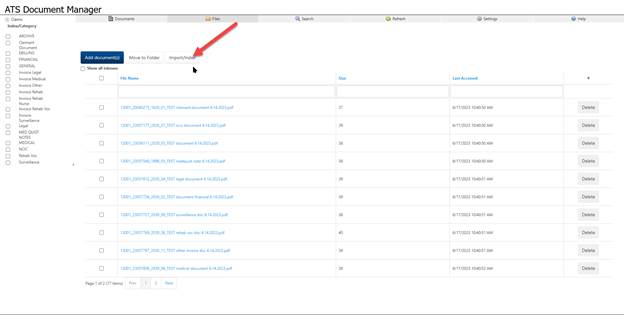
ATS.NET 2023 Document Inbox. Version 2023.62223
Select Documents from the console.

Application layout.


 Folders - Indexes - Documents in Folders – Files –
Search – Refresh - Settings
Folders - Indexes - Documents in Folders – Files –
Search – Refresh - Settings
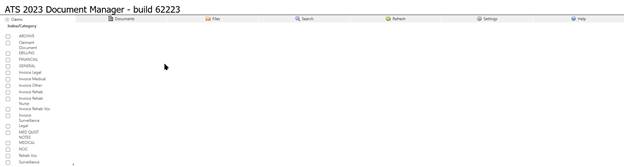
Folders contain documents pertaining to the folder. Could be a user or type of document.
 To
view or download a document – click the link in the grid associated with that
document.
To
view or download a document – click the link in the grid associated with that
document.
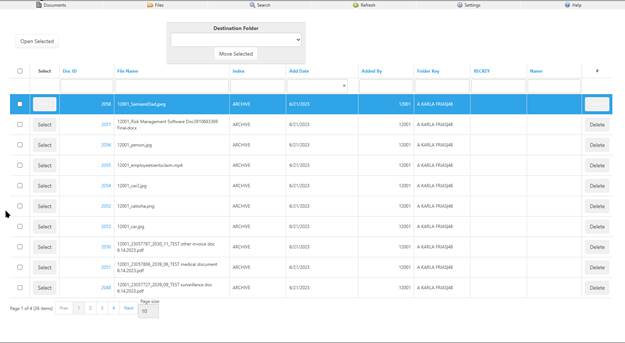
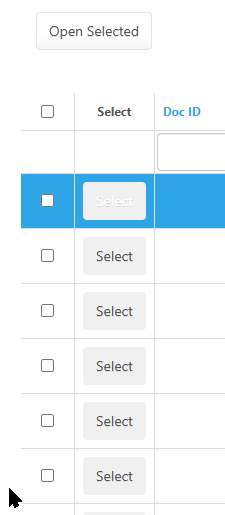
The “Open Selected” button will open the focused rows document.
Depending on your indexes in use you will see a dialog to make changes to your documents indexes and folder assignment.
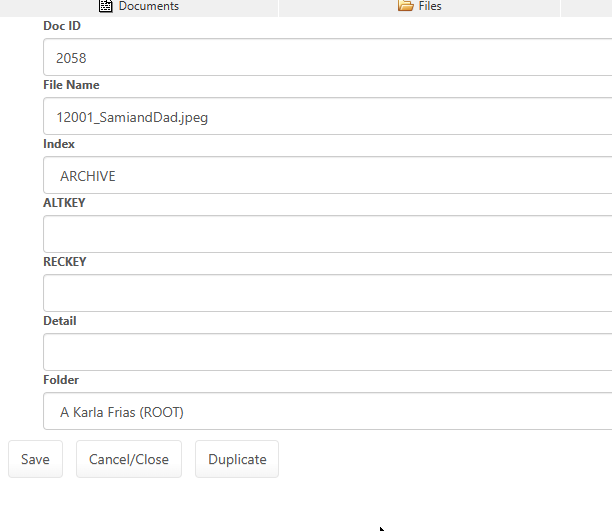
You can change the index category and related index values. Some index values may have an associated select capability. Those items will display a button just before the text edit.
You can change the folder.
You can make a duplicate copy of the document.
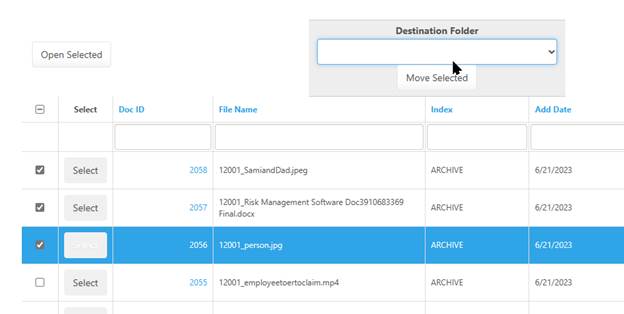
You can select multiple documents using the checkboxes associated with those documents and move them at one time to another folder, by using this dropdown and associated button.
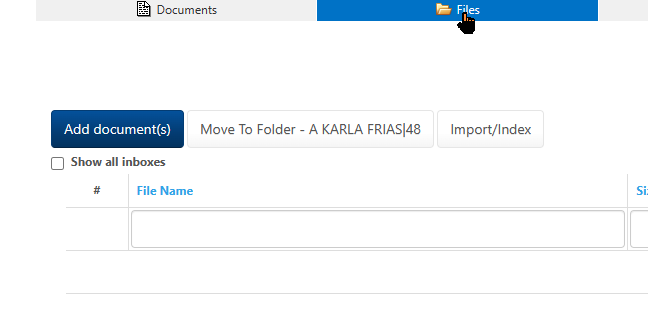
Files section allows you to upload scanned document(s), emails, MP4’s and other allowed formats. These formats can be controlled by ATS support if you require additional types.
File size limits may also be imposed.


 Add
Document(s) button – Move Files to a folder – Optional Import and index based
on rules (Custom)
Add
Document(s) button – Move Files to a folder – Optional Import and index based
on rules (Custom)
Add Document(s) Dialog.

 Drag zone – Browse (Select) documents from your
device.
Drag zone – Browse (Select) documents from your
device.



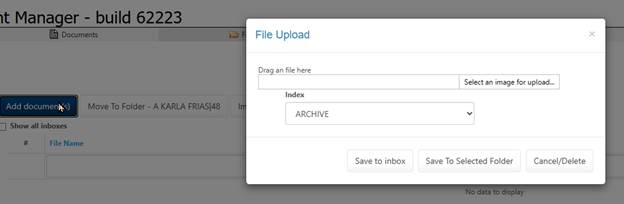
Save to inbox brings the files onto the web server.
Index is used only if you are indexing and sending to the selected folder.
Sample Save to inbox result.
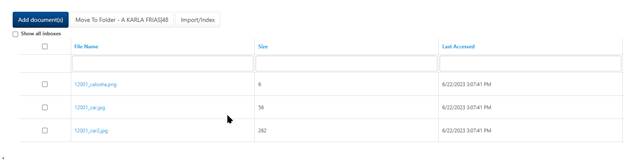
From here you can check items and move them to a folder using the Move to folder button, or if you have the option auto move and index using the Import/Index Button.
Search allows a global search of all indexes and file names or by column.

 Global
search – Column(s)
Global
search – Column(s)
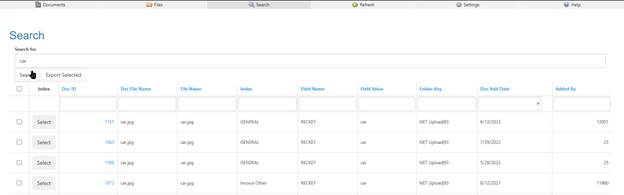
Settings

 You
can add folders – delete folders.
You
can add folders – delete folders.

Administration for the optional (custom) Import/Index button.
Point the ATS user to the folder you want the imported documents to be moved to.
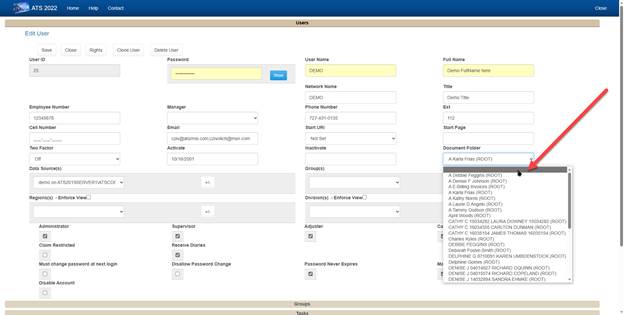
After you Upload files into your inbox, you may import them if the file names point to a claim/index and the user folder is setup in administration.