Claimant Record
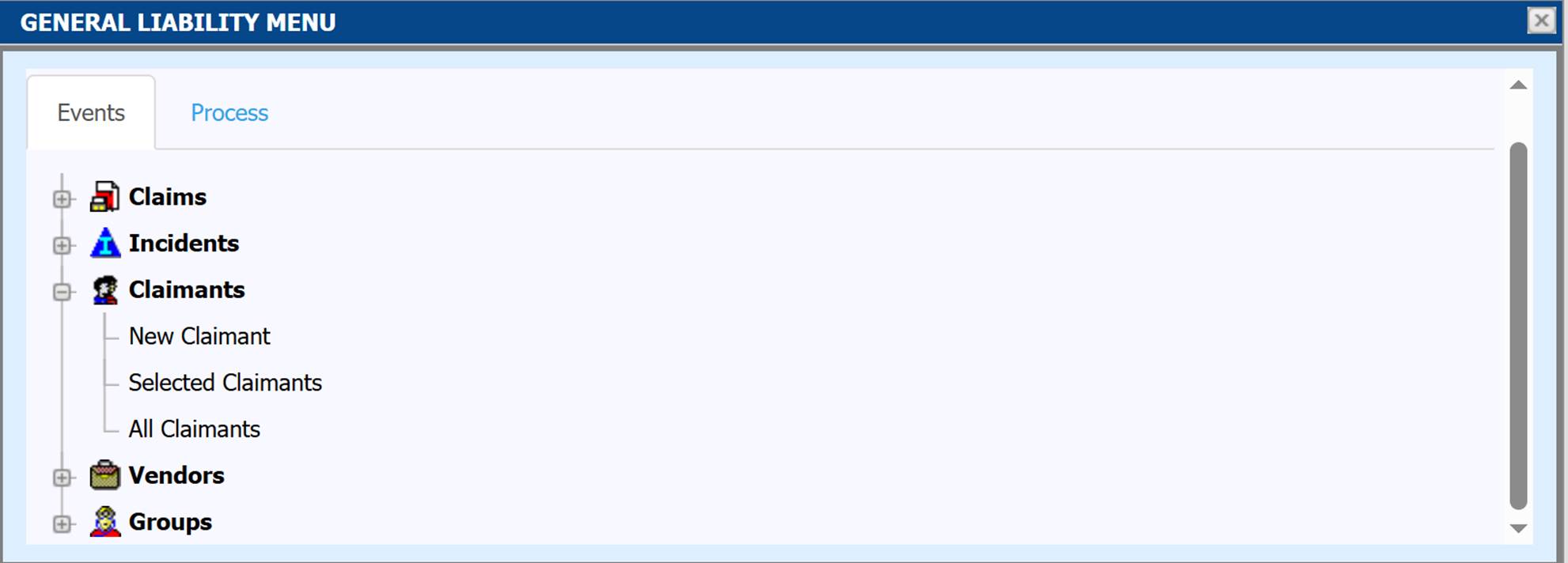
Claimant records can be accessed from the ATS Console General Liability Menu tile.
|
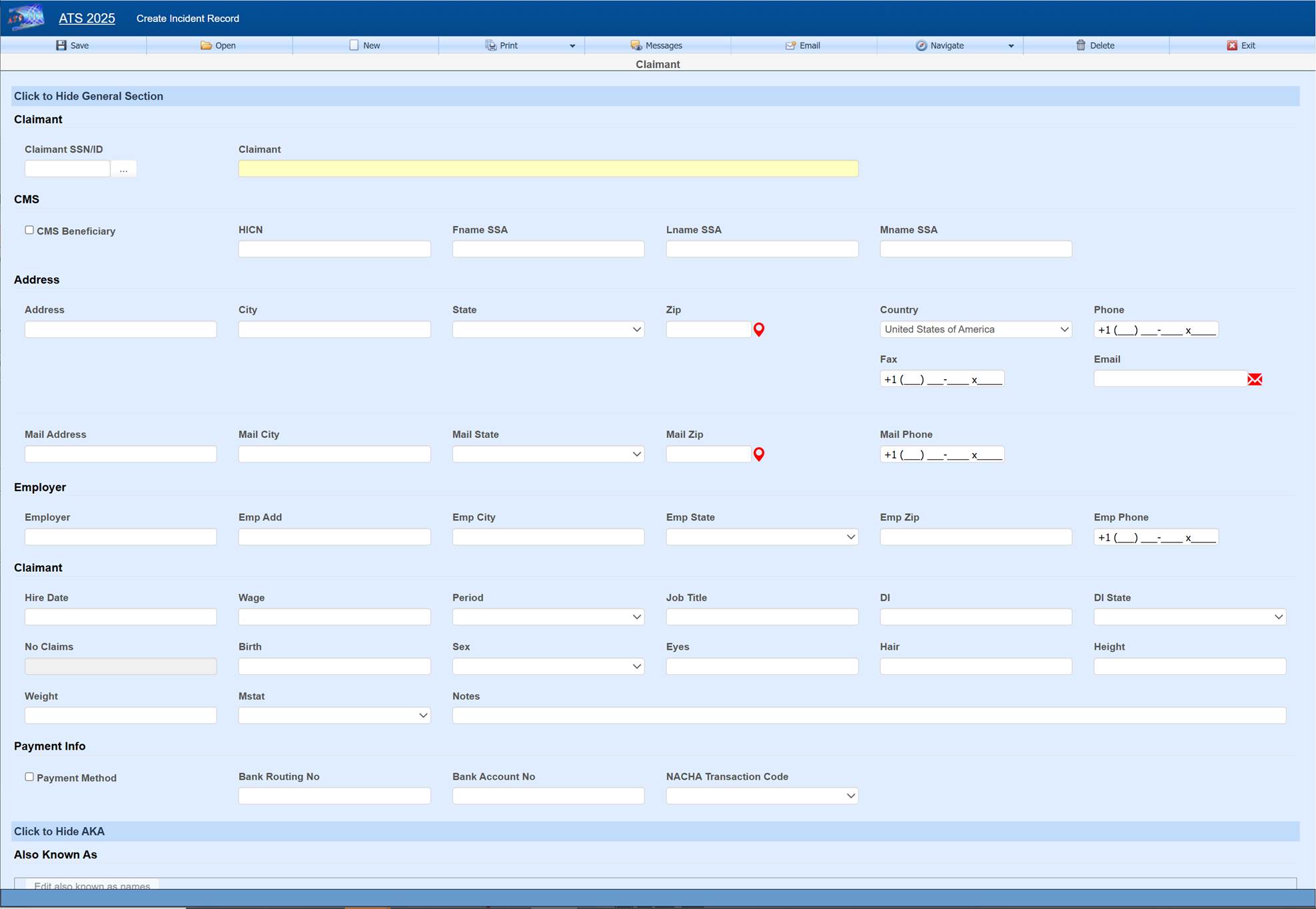
Field Name |
Description |
|
SSN |
This is a required field which will be automatically filled if left blank when creating a new claimant record. |
|
Claimant |
The claimant name. |
|
CMS Beneficiary |
A check in this box indicates that the employee is a Medicare beneficiary. Normally, the check is entered by the program that processes the CMS Query Response file. |
|
HICN |
The Medicare health insurance claim number will be filled in with the data in the CMS Query Response file. |
|
Last Name (SSA) First Name (SSA) Middle (SSA) |
The claimant’s name as known by the Social Security Administration. If the claimant is a Medicare beneficiary, this name will be sent when submitting a report to the CMS (Centers for Medicare and Medicaid Services). |
|
Address, city, state, zip |
Enter the address and the zip code. The program will automatically fill in the correct city, county, and state if the zip code is in the United States. |
|
Phone |
Phone numbers entered as 10 digits such as 4101234567 will be displayed as 1+ (410) 123-4567 where the “1+” is the international dialing code for the United States. |
|
Birth Date |
The claimant’s date of birth. Enter the date in an MMDDYYYY format. The program will insert the slashes. |
|
Sex |
The claimant’s gender. |
|
Marital Status |
The claimant’s marital status may be selected from the drop-down list or entered using the appropriate code where M=married, S=single, D=divorced, and W=widowed. |
|
Electronic Payment |
Direct deposit is an optional, add-on module. A check in this box indicates that the claimant wants his/her benefit payments deposited directly in the bank. Depending on the user’s security settings, these fields may not be visible. |
|
Routing Number |
The claimant’s bank routing number. |
|
Bank Account |
The claimant’s bank account number. |
|
NACHA Transaction Code |
The National Automated Clearing House Association code needed for ACH |
Saving
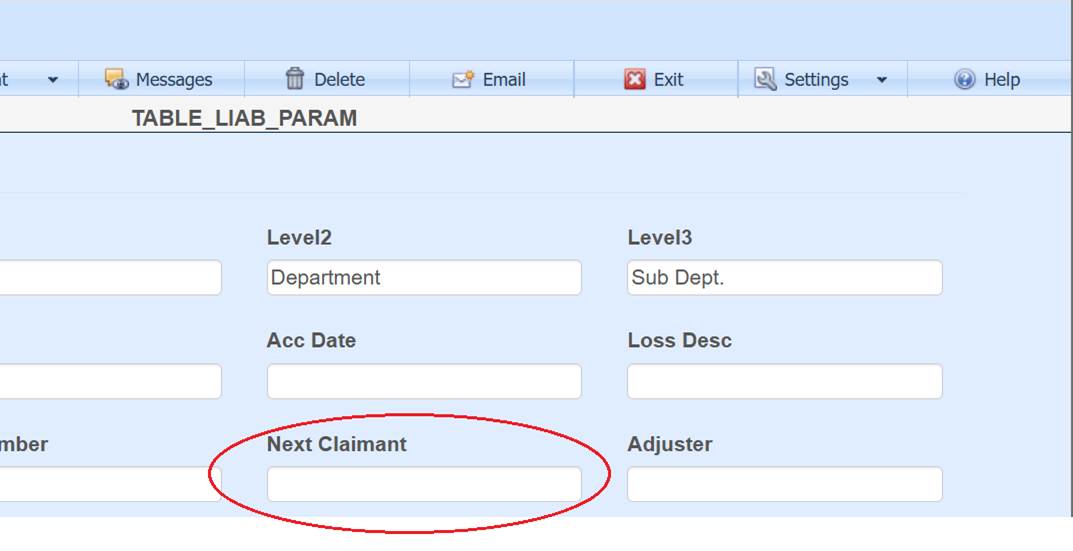
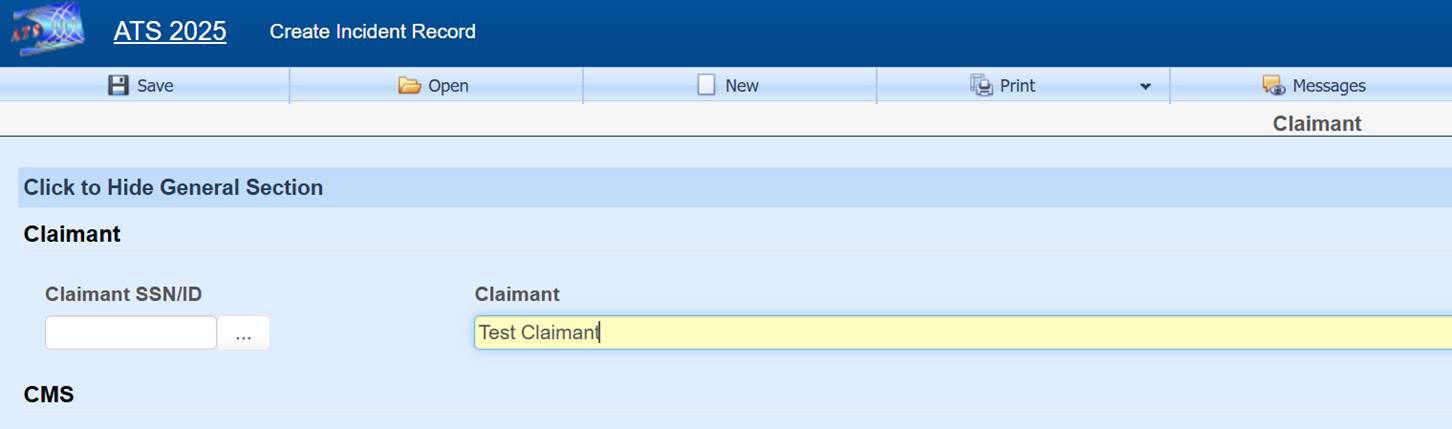
If the claimant is saved without a Claimant SSN/ID filled in, then a number will be automatically assigned.
The number assigned depends on the value set in field Next Claimant of the parameter table, which can be edited through the Maintenance option found on the ATS Console. If Next Claimant is set to a number, then it will be used as the next ID and incremented. The number can be set with dashes in the 4th and 7th position ###-##-#### to use this format. If set with no value then the next claimant ID will be in the format of UNK########.